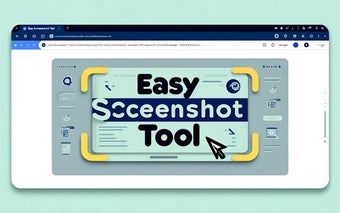
Effortless Web Screen Capture: Easy Screenshot Tool
Easy Screenshot Tool simplifies the process of capturing, editing, and saving web screenshots directly from your browser. With this Chrome extension, you can effortlessly capture entire websites or specific page elements without the need for registration. Edit your screenshots by cropping, adding annotations like arrows and text, and save them as PNG files or copy them to the clipboard with ease.
أفضل بديل موصى به

The user-friendly interface of Easy Screenshot Tool allows for quick full-page or partial captures, enabling further editing, downloading, and adding text directly from your browser. This free extension ensures a seamless experience for capturing web content, making it ideal for various purposes like reporting technical issues, creating product demos, or crafting tutorials.